What the app actually does
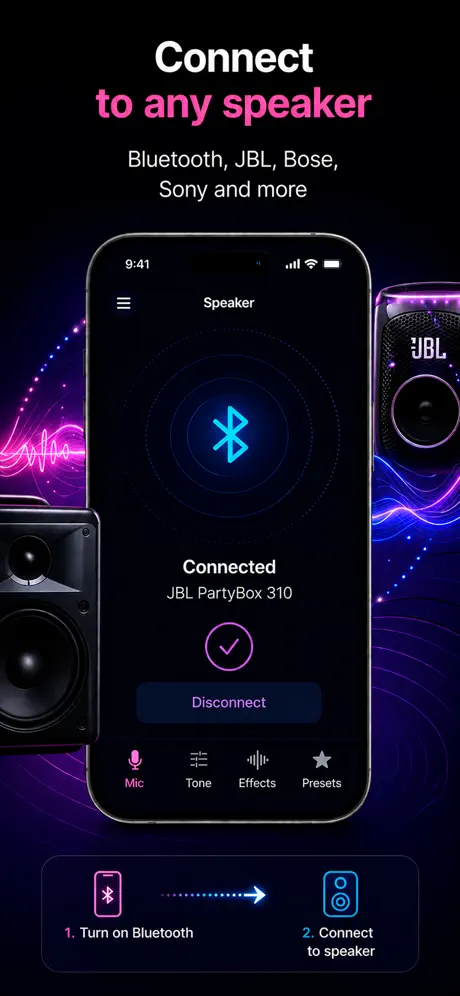
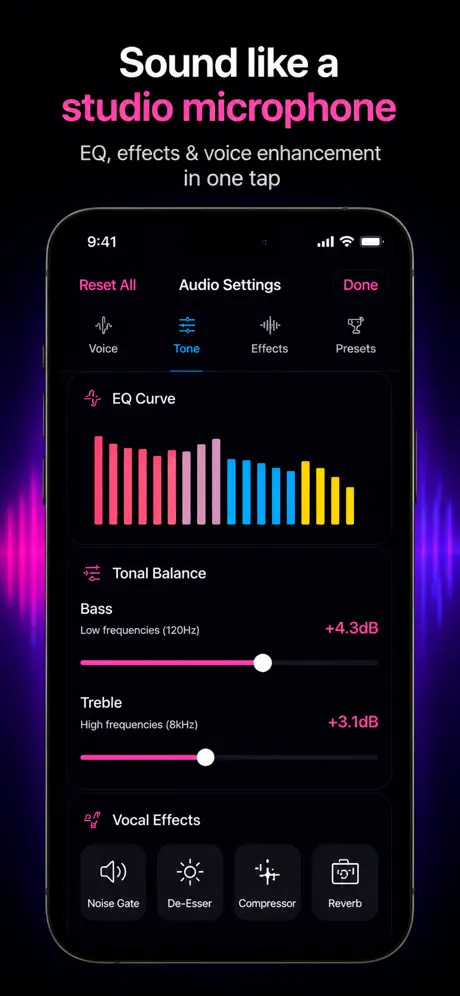
Microphone App Bluetooth Live captures the iPhone or iPad microphone and sends that signal to the audio output currently selected by iOS. It is a live voice path, not a recording that has to finish before playback. You can also save a recording while live mode is running.
| Output | Typical fit | What to expect |
|---|---|---|
| Bluetooth speaker | Announcements, speaking practice, casual karaoke | Easy to connect, but audible wireless delay |
| AirPlay / HomePod | Apple speaker setups and room playback | Wireless output over the local network |
| Wired speaker or interface | Singing, monitoring, timing-sensitive use | Lowest delay and the most predictable result |
Where a phone microphone setup works well
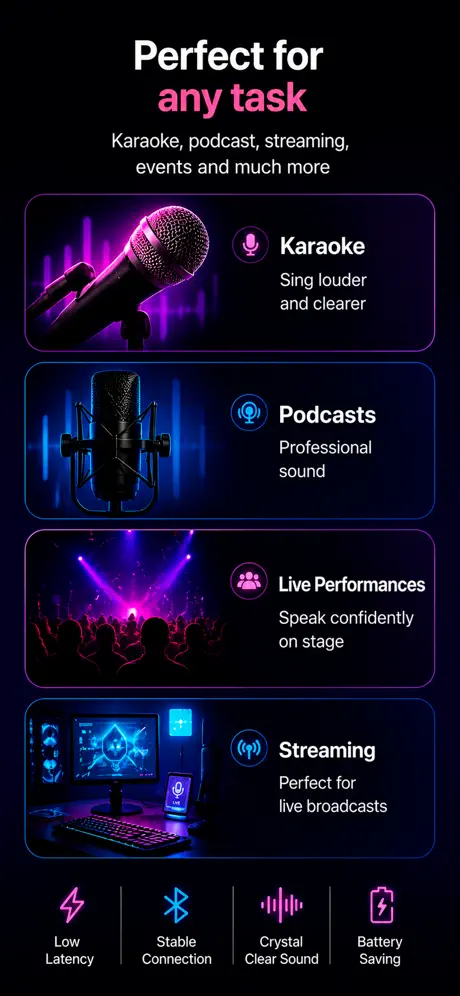
An iPhone and a speaker can replace extra equipment when one person needs simple amplification in a small space. Typical examples include a classroom explanation, a family karaoke session, a short announcement, speech rehearsal, voice practice, or recording an idea while hearing it through a speaker.
It is not a replacement for a professional wireless microphone and PA system. Bluetooth delay, acoustic feedback, room size, and speaker power still set the limits. For a stage, a large audience, or critical vocal monitoring, use dedicated low-latency hardware.
What the app does not do
- It does not turn the iPhone into a universal Bluetooth headset microphone for every computer, camera, console, or car system.
- It cannot remove delay already introduced by a Bluetooth speaker and the iOS audio route.
- It does not make a small portable speaker behave like a full PA system.
- It does not require contacts, location, or a user account for live microphone output.