What the search really means

Bluetooth Microphone App for iPhone

“Bluetooth microphone app” can mean several different things. The useful iPhone setup is usually simple: the iPhone is the microphone, and a Bluetooth speaker plays the live output.

How it helps

Bluetooth microphone app: practical answer first

People searching this phrase usually want a fast way to turn an iPhone into a mic, send voice to a speaker, or record while speaking live.

If you mean speaker output

Use a live microphone app with your iPhone mic as input and a Bluetooth speaker as output.

If you mean a Bluetooth mic accessory

Use the accessory as an input only if iOS recognizes it as a microphone source.

If you mean computer/car mic

A speaker-output app does not make the iPhone a universal Bluetooth headset microphone.

Use cases

Start by separating input from output

A microphone is an input. A Bluetooth speaker is an output. A live microphone app can capture the iPhone mic and play it through a Bluetooth speaker, but it does not turn every Bluetooth device into a universal microphone input for every system.

Three different meanings behind “Bluetooth microphone app”

What you meanBest answerLimit
iPhone mic to Bluetooth speakerUse a live microphone appBluetooth delay is normal
Bluetooth microphone accessory into iPhoneUse an iOS app that can record from that inputAccessory support depends on iOS and hardware
iPhone as Bluetooth headset mic for a computerUse dedicated companion software if availableNot a standard speaker-output workflow
iPhone as car Bluetooth microphoneUsually not supported as a universal live micCar systems control their own Bluetooth profiles
Wireless karaoke micPossible for casual useTiming can feel late over Bluetooth

The setup this app is built for

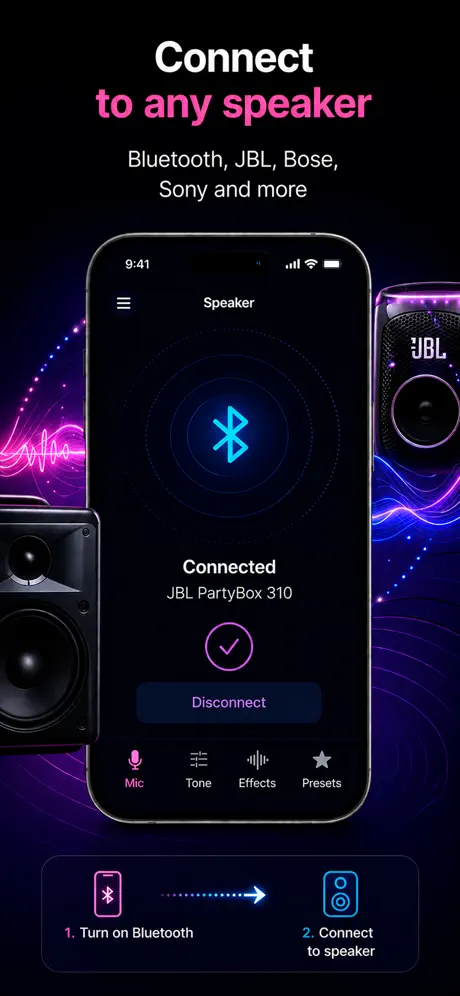
Microphone App Bluetooth Live is built for the first meaning: use the iPhone microphone as live input and play the sound through the active output. That output can be a Bluetooth speaker, AirPlay speaker, wired speaker, or built-in speaker for testing.

  • The iPhone microphone captures your voice.
  • The app runs live microphone mode.
  • iOS sends playback to the selected output route.
  • The Bluetooth speaker plays the voice with some delay.
  • Recording can run while live mode is active.

What a Bluetooth microphone app cannot promise

No iPhone app can make every Bluetooth speaker, Windows PC, camera, console, or car stereo accept the iPhone as a system-wide Bluetooth microphone. Those devices use different Bluetooth profiles and often do not expose a live microphone input path to an iPhone app.

When Bluetooth is the right choice

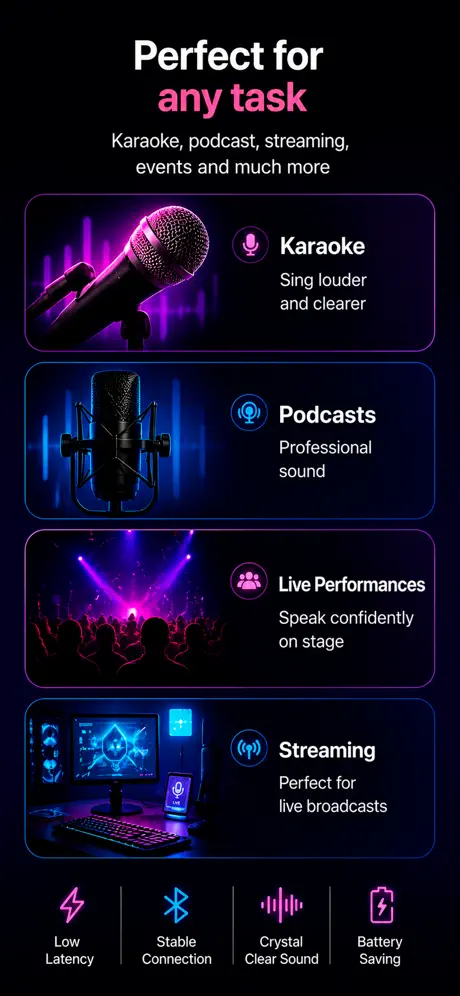
Bluetooth is good when convenience matters more than perfect timing: announcements, speech practice, classroom explanation, small-room voice amplification, or casual karaoke. It is not ideal when you need tight monitoring or singing in exact time with music.

Quick checklist before installing any app

  • Does the app produce live output, or does it only record?
  • Does it explain Bluetooth latency clearly?
  • Can it route to the speaker you already use?
  • Can it record while live mode is active?
  • Does it avoid unnecessary account, location, or contacts permissions?
  • Does it support your iOS or iPadOS version?
Choose the guide that matches your setup

App preview

Designed for quick live mic sessions

Microphone app screenshot 1 Microphone app screenshot 2 Microphone app screenshot 3 Microphone app screenshot 4

FAQ

Questions people ask before downloading

Can I use my iPhone as a Bluetooth microphone?

Yes, if you mean using the iPhone mic and playing the live output through a Bluetooth speaker. It does not mean the iPhone becomes a universal Bluetooth headset mic for every device.

Does a Bluetooth microphone app work with every Bluetooth speaker?

Most paired Bluetooth speakers can work as output devices, but delay, volume, and routing behavior can vary by speaker and iOS state.

Can a Bluetooth speaker act as the microphone?

No. A standard Bluetooth speaker is normally an output device. The iPhone is the microphone in this setup.

Can I use the iPhone as a Bluetooth mic for Windows?

Not through the standard speaker-output workflow. Windows microphone use usually requires separate companion software or another connection method.

Is there latency?

Yes. Bluetooth output usually adds noticeable delay. Use wired output or dedicated hardware when low latency matters.

Is this good for live voice amplification?

Yes for small rooms, announcements, practice, and casual use. For a stage or large audience, use dedicated microphone and PA hardware.

Get the app

Use your iPhone as a live microphone today.

Open App Store