Choose by intent
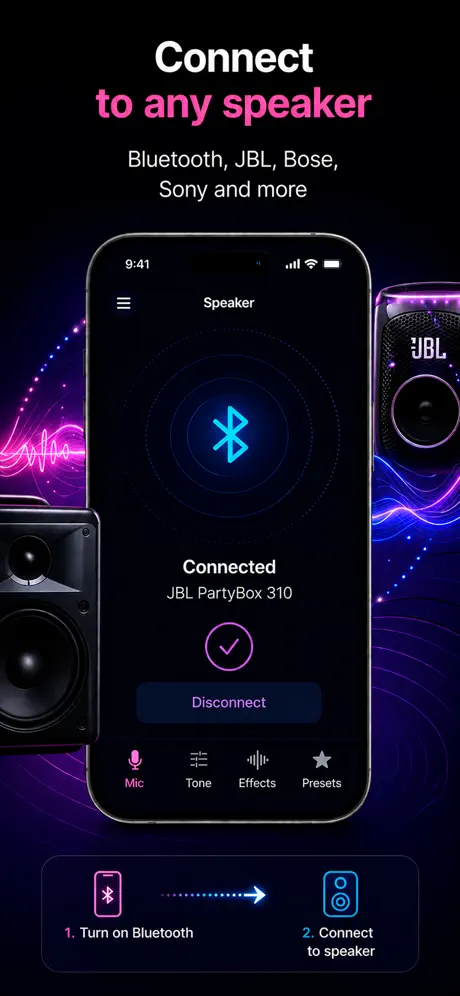
For live amplification, prioritize fast setup, speaker output, latency information, and volume controls.
Buyer's checklist
If you want to use your iPhone as a microphone, the best app depends on what you need: live voice amplification, recording, Bluetooth output, or speaker connection.
How it helps
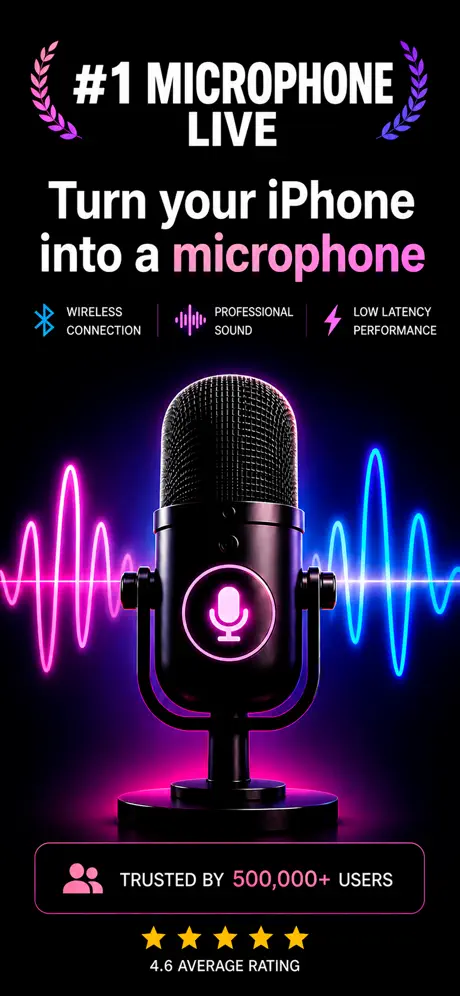
People searching this phrase usually want a fast way to turn an iPhone into a mic, send voice to a speaker, or record while speaking live.
For live amplification, prioritize fast setup, speaker output, latency information, and volume controls.
If you want to save speeches or practice takes, choose an app that records while the mic is live.
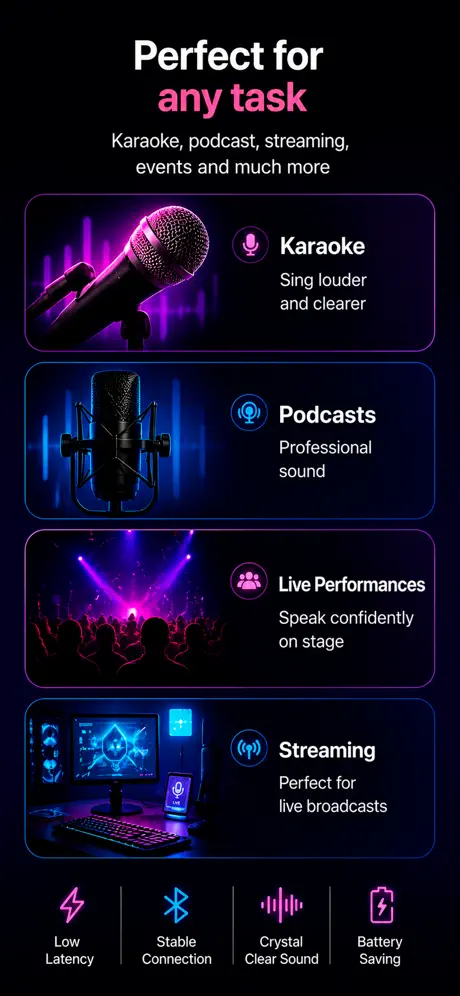
For small rooms and casual karaoke, a focused live mic app may be more useful than a complex studio recorder.
Use cases
Live mic apps (input to speaker, near-zero setup), recording apps (multi-track capture, studio focus), and measurement apps (SPL meters, room analysis). Most search results mix all three, which makes the decision confusing — start by naming the job, then pick the category.
What to know
Most articles mix live mic apps with studio recorders and field-recording apps. They aren't comparable categories — picking the wrong one wastes money and time. Name your job first (amplify, record, or measure), then read lists that stay inside that category.
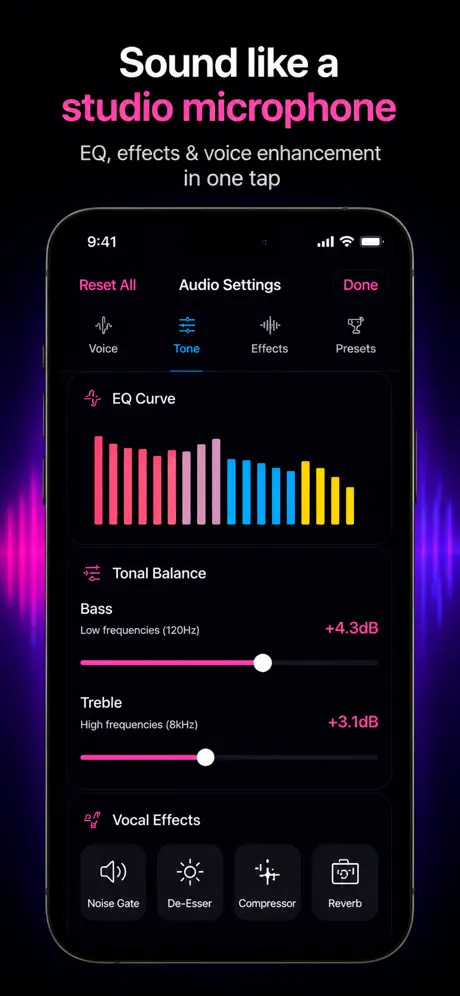
Speaker output without manual routing, Bluetooth and AirPlay support, visible latency information, voice presets, volume boost, record-while-live, no required account, clear privacy nutrition label on the App Store page.
Multi-track timeline, punch-in recording, Audio Unit (AU / AUv3) effects support, sample-rate options at 44.1, 48, and 96 kHz, file export to WAV, project save and restore. A live mic app does not need any of this, and a studio recorder usually skips low-latency live output.
Calibrated SPL readings (or an honest disclaimer about iPhone mic accuracy), RTA with adjustable bands, peak hold, calibration against a reference mic if you have one. The built-in iPhone mic is not calibrated, so absolute SPL numbers from any phone-only meter are approximate.
Check the App Store privacy nutrition label before installing. A live mic app has no reason to collect user data, contacts, or location. If it does, that is a signal to skip — there are enough alternatives that ask only for microphone access.
References
Blog
App preview
FAQ
Good live mic apps are fast to start, clear about latency, easy to connect to speakers, and include practical controls like volume boost.
It is a good fit if your intent is live mic to speaker, karaoke, announcements, or voice amplification from an iPhone.
Choose a studio recorder if multitrack editing is your main goal. Choose a live mic app if speaker output is the priority.
Yes. Apps like Microphone App Bluetooth Live support live speaker output and recording simultaneously, so you do not need two separate apps.
Yes. Microphone App Bluetooth Live is free to download and includes live mic output, recording, and voice presets without any purchase.
Get the app