Phone as mic
A phone can work as the microphone input when an app captures your voice and sends it to an audio output.
Broad phone intent
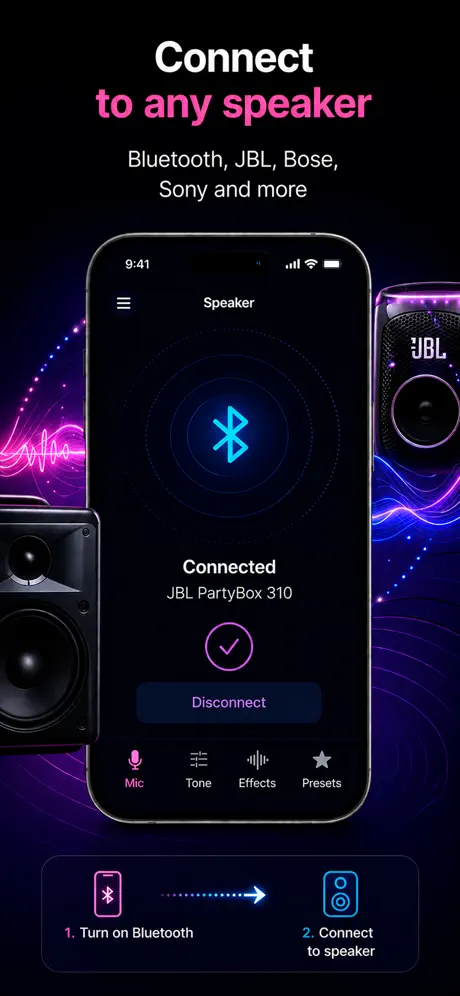
You can use your phone as a microphone. On iPhone, the easiest path is a live microphone app that sends your voice to a speaker.
How it helps
People searching this phrase usually want a fast way to turn an iPhone into a mic, send voice to a speaker, or record while speaking live.
A phone can work as the microphone input when an app captures your voice and sends it to an audio output.
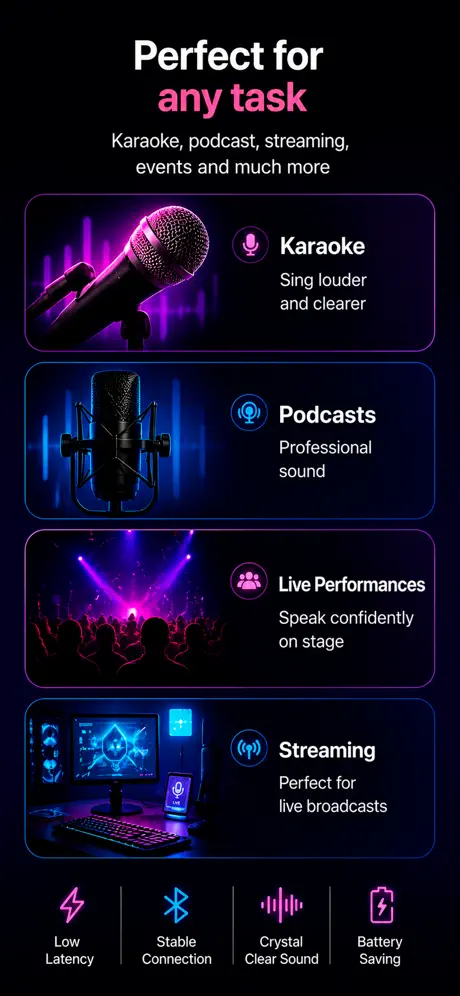
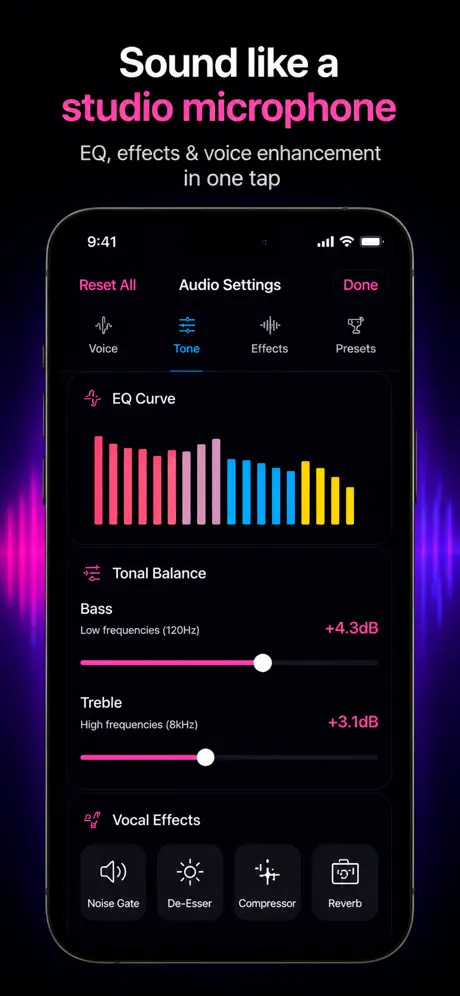
For iPhone users, Microphone App Bluetooth Live focuses on live speaker output, karaoke, volume boost, and recording.
This app is for iPhone and iPad, so the page answers the broad query while staying honest about platform support.
Use cases
iOS lets a single app capture mic input and route it to Bluetooth / AirPlay output with predictable latency. Android implementations vary by OEM, so a guide that works on a Pixel may not work on a Samsung. This page focuses on the iPhone path because the behavior is consistent.
What to know
iOS gives every app a stable AVAudioSession model — playAndRecord category, default-to-speaker option, automatic routing to the active output. Android's audio routing differs across OEM skins, kernel versions, and Bluetooth stacks, so the same app behaves differently on Samsung, Pixel, and Xiaomi devices.
Switching to a newly-connected Bluetooth speaker without an app restart, ducking music when the mic is active, restoring audio after a phone-call interruption. These are framework-level behaviors on iOS, not features the app has to re-implement.
For one-off Android use, look for OEM-specific apps that match your phone. There is no single Android live-mic app that works identically across vendors because the audio HAL differs. iOS is the easier platform for this category, full stop.
You still need an output device. You still face Bluetooth latency. You still need physical distance between the mic and the speaker to avoid feedback. Hardware physics does not care about the operating system — only the routing experience differs.
Blog
App preview
FAQ
Yes. With the right app and output device, your phone can act as a microphone for live voice or recording.
Yes. Microphone App Bluetooth Live is designed for iPhone and iPad users who want live microphone output.
No. This site promotes an iOS app, so Android users should look for Android-specific microphone apps.
No extra hardware is required for basic use. Any Bluetooth speaker you already have will work with your phone as the mic source.
Most portable Bluetooth speakers have a range of about 10 metres in open space. Walls and interference reduce this, so keep the phone in line of sight of the speaker during live use.
Get the app