Built around Bluetooth speakers
Microphone App Bluetooth Live is made for people who already have a speaker and need a quick mic source.
Wireless voice amplification
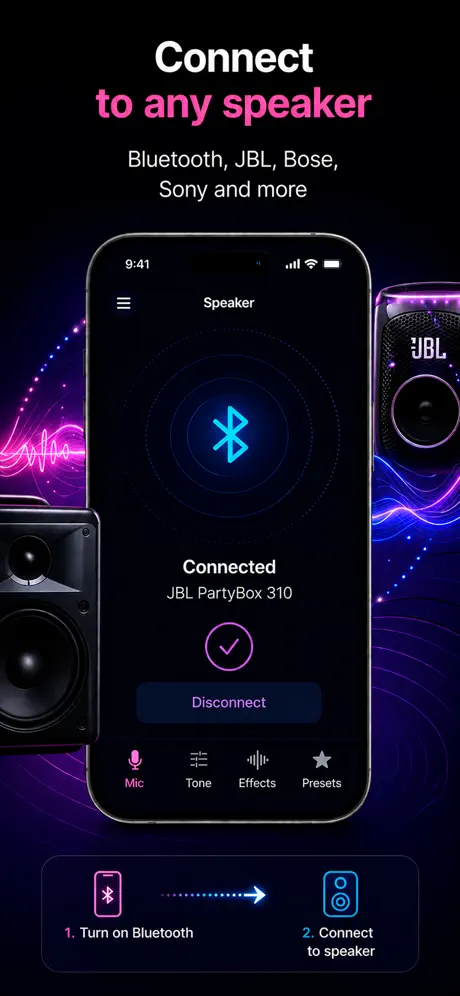
Pair your iPhone with a Bluetooth speaker and use it as a live mic for practical voice amplification.
How it helps
People searching this phrase usually want a fast way to turn an iPhone into a mic, send voice to a speaker, or record while speaking live.
Microphone App Bluetooth Live is made for people who already have a speaker and need a quick mic source.
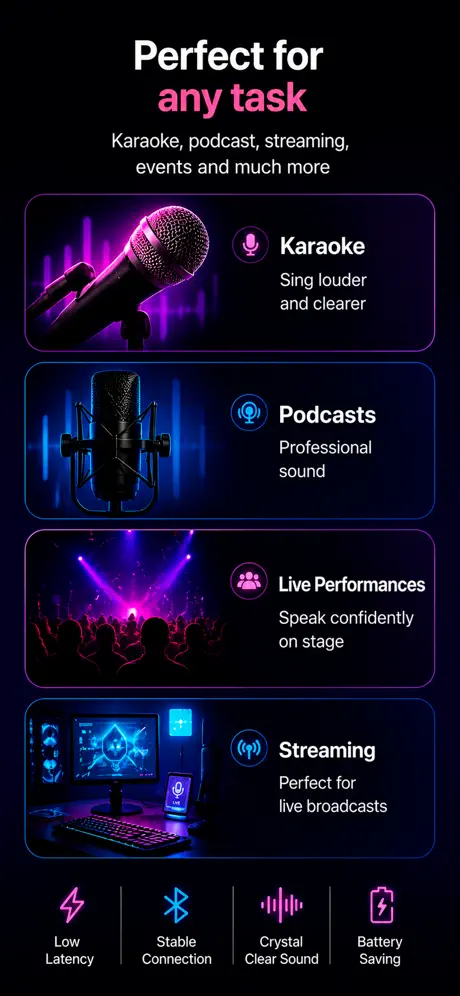
Try it for home karaoke, small events, speaking practice, announcements, and rehearsals.
Bluetooth can be delayed. For singing or live speaking, test your speaker before using it in front of people.
Use cases
Classic Bluetooth audio over AAC typically introduces 150–250 ms of delay; aptX Low Latency drops it under 40 ms but iPhone does not support aptX. AirPlay 2 sits in between with around 100 ms in shared mode. None of this is fixed by buying a more expensive speaker.
What to know
iPhone supports AAC (default for most modern speakers) and SBC (fallback for older or non-AAC speakers). It has never supported aptX, aptX Low Latency, aptX HD, or LDAC. Speakers that advertise those codecs use them only when paired to Android phones — on iPhone they fall back to AAC or SBC.
With no low-latency codec available on iPhone, Bluetooth delay is locked into the 150–250 ms range regardless of how much you spend on the speaker. Spending more buys volume, fidelity, and battery life — not lower latency. AirPlay 2 is the only wireless path that meaningfully changes the latency profile.
JBL Flip 6 and Charge 5 — fine for speech, noticeable lag for singing. Sonos Roam and Move — slightly higher latency due to internal processing. Bose SoundLink Flex — middle of the range. Anker Soundcore models — varies by chipset, test before relying on it. HomePod uses AirPlay 2 rather than classic Bluetooth.
Bluetooth Class 2 radios on most portable speakers give around 10 m line of sight. Walls, microwaves, and 2.4 GHz Wi-Fi cause dropouts before range becomes the limiting factor. Keep the phone in line of sight of the speaker for live use — a dropped packet during a sentence is more noticeable than a few ms of extra latency.
Comparison
iPhone supports AAC and SBC over Bluetooth A2DP only. aptX / LDAC are listed on many speakers but are not used when paired to an iPhone — the pair falls back to AAC.
| Speaker family | Typical AAC latency | Notes for live mic use |
|---|---|---|
| JBL Flip 6 / Charge 5 / Boombox | 160–220 ms | Fine for speech, noticeable on singing |
| Sonos Roam / Move / Era | 200–280 ms | Higher due to internal processing; AirPlay 2 path is better |
| Bose SoundLink Flex / Revolve | 170–230 ms | Middle of the range, consistent across firmware |
| Anker Soundcore (Motion, Boom) | 150–250 ms | Varies by chipset; test the specific model |
| Apple HomePod / HomePod mini | 100–180 ms | Uses AirPlay 2 rather than classic Bluetooth |
| Generic AAC speakers | 150–250 ms | Treat as the baseline — most fall in this band |
References
Blog
App preview
FAQ
A speaker does not become the microphone. Your iPhone is the microphone, and the Bluetooth speaker plays the amplified output.
Yes. Bluetooth delay depends on the speaker and connection, so always test before a live moment.
For casual use, the iPhone microphone can be enough. For professional events, dedicated low-latency audio hardware is still better.
AirPlay 2 speakers, including HomePod, tend to have slightly lower latency than classic Bluetooth speakers. For any Bluetooth speaker, the delay is typically 150–250 ms regardless of brand or price.
No. iPhone's Bluetooth delay comes from the codec (AAC or SBC), not the speaker hardware. Spending more buys better sound quality and volume, not lower latency.
Get the app