Alternative intent
People searching for alternatives usually want the same core job: turn a phone into a usable live mic.
Live mic for iPhone
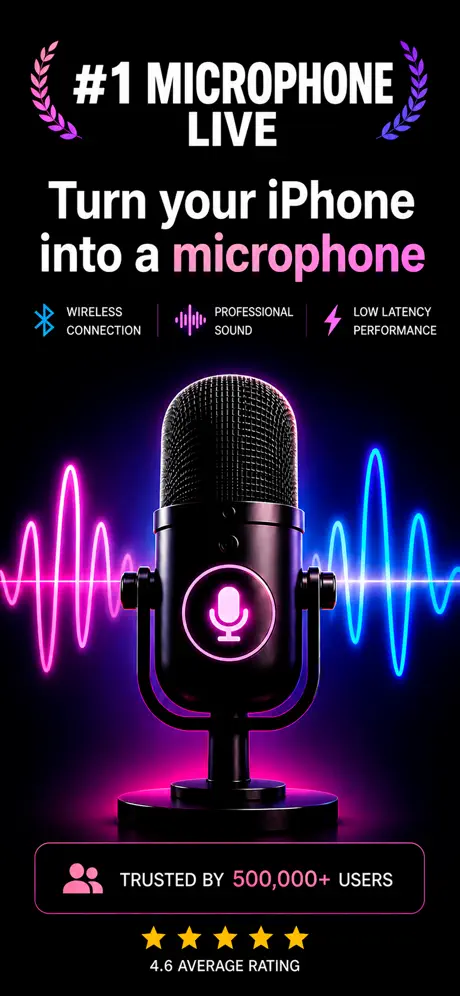
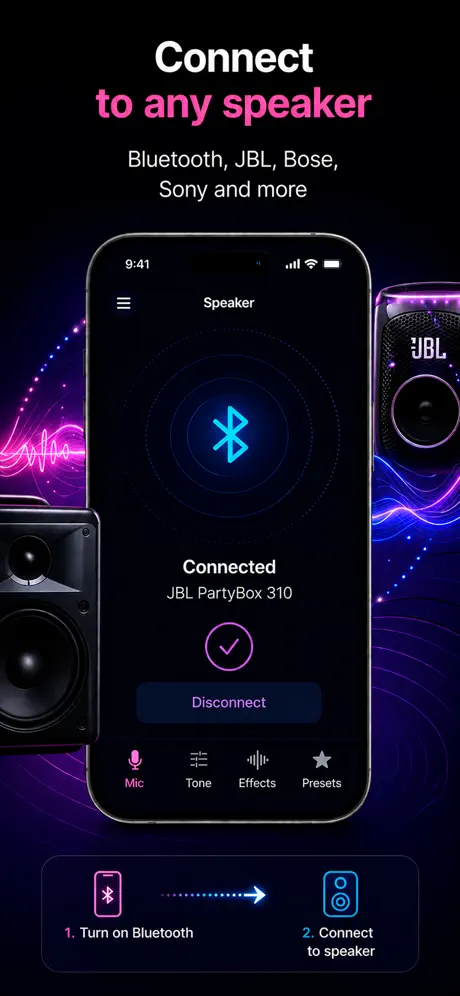
If you need a live microphone app with Bluetooth speaker use, karaoke mode, presets, and recording, this app is built for that workflow.
How it helps
People searching this phrase usually want a fast way to turn an iPhone into a mic, send voice to a speaker, or record while speaking live.
People searching for alternatives usually want the same core job: turn a phone into a usable live mic.
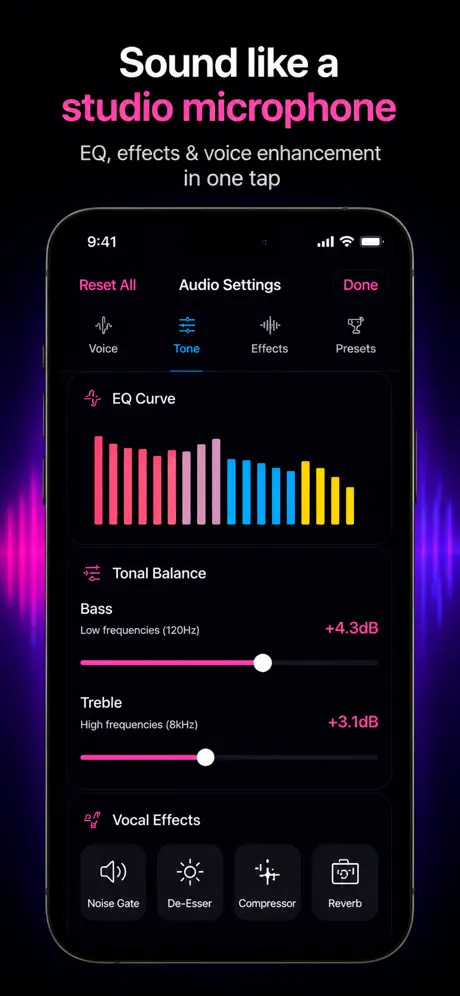
Microphone App Bluetooth Live focuses on mic-to-speaker output, karaoke, volume boost, voice presets, and live recording.
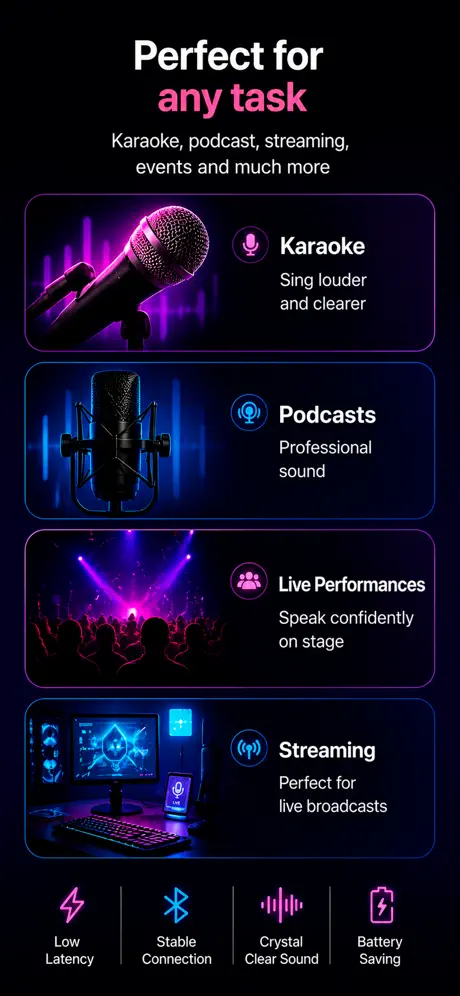
It can support karaoke, announcements, speeches, practice, and simple amplification from the same domain and app.
Use cases
Searches for a Microphone Live alternative usually come from one of three reasons: the original app feels outdated, it lacks Bluetooth speaker handling, or recording is missing. A useful alternative should keep the same simple live mic core and add the modern audio routing.
What to know
Microphone Live is one of the long-standing iOS live-mic apps, but it predates modern iOS audio session handling and lacks some routing flexibility that newer apps offer. Searches for an alternative usually come from one of three reasons: the original feels dated, Bluetooth speaker handling is unreliable, or in-app recording is missing.
Automatic Bluetooth output discovery, AirPlay 2 routing, in-app recording while live, latency hints, voice presets, and an iPad-native layout. Not all of these are present in older live-mic apps, and they are the features people quietly miss after using Microphone Live for a while.
Switching mic apps is low-cost. There are no projects to migrate, no presets to convert, no accounts to recreate. You uninstall one, install the other, grant microphone permission, and you're done — usually under a minute.
If you need pro stage-grade audio with sub-20 ms latency, no consumer iOS live-mic app — alternative or original — replaces a real PA system with wired mics. The market is casual home, classroom, and small-event use, and the alternatives compete inside that lane.
Blog
App preview
FAQ
Compare live output, latency behavior, recording, voice controls, privacy, compatibility, and whether it fits Bluetooth speaker use.
Yes. The App Store listing describes live mic use with Bluetooth speakers as a core use case.
No. This page is for Microphone App Bluetooth Live and helps users compare intent and use cases.
Yes. There is no data to migrate. You install the new app, grant microphone permission, and start using it — typically under a minute.
Yes. Microphone App Bluetooth Live supports AirPlay 2 output in addition to classic Bluetooth and wired connections.
Get the app