Karaoke mode
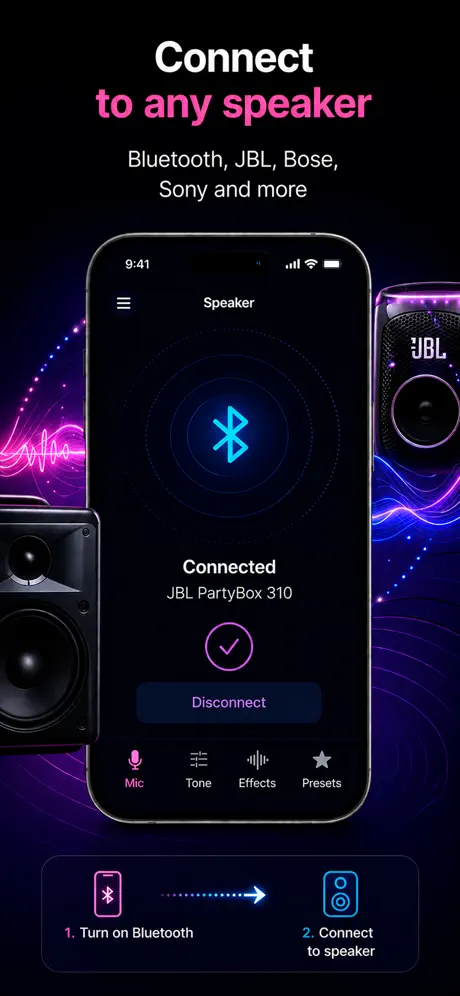
Sing through a connected speaker using your iPhone as the microphone.
Sing through your speaker
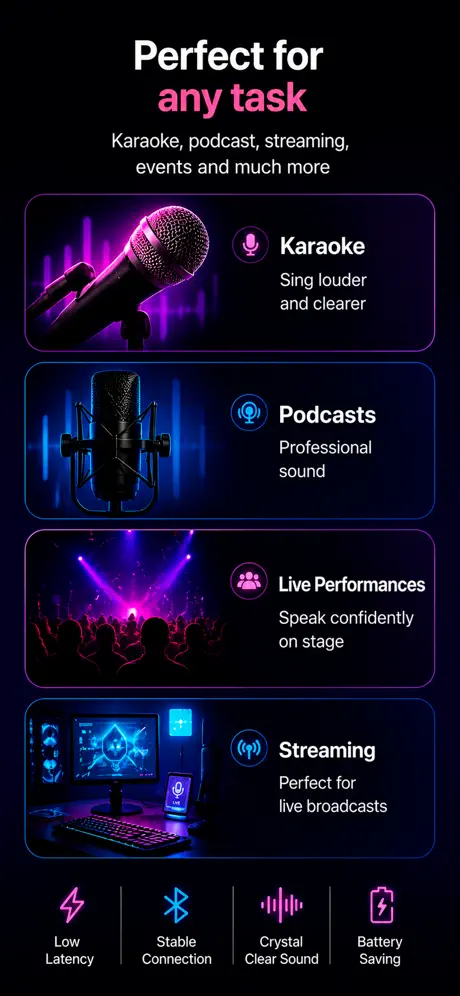
Turn your iPhone into a karaoke mic for home singing, parties, vocal practice, and quick rehearsals.
How it helps
People searching this phrase usually want a fast way to turn an iPhone into a mic, send voice to a speaker, or record while speaking live.
Sing through a connected speaker using your iPhone as the microphone.
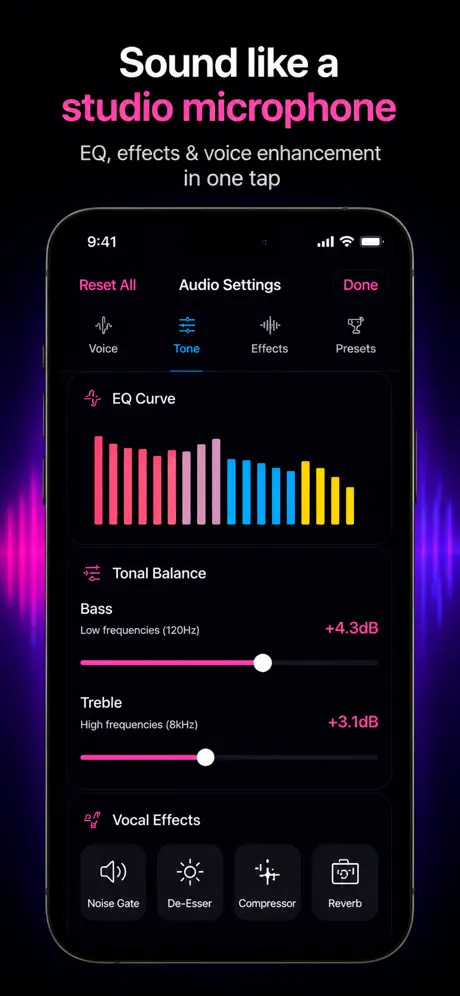
Use presets and volume boost to make your vocal more present during practice or casual karaoke.
Save karaoke takes or vocal ideas while using the live mic mode.
Use cases
Backing track on one device, mic on the iPhone, both into the same speaker. The trick is to play the music from the speaker directly (Spotify or YouTube Music over Bluetooth from a laptop) and route the iPhone mic to the same speaker — this avoids double Bluetooth latency on the vocal path.
What to know
Karaoke needs two audio sources — backing track and vocal — going to one speaker. If both pass through the iPhone, both pick up Bluetooth latency together, which is tolerable. If only the vocal goes through the phone and the track plays from another device, the vocal lags behind the track, and that mismatch is exactly what makes home karaoke hard.
1) Wired vocal mic into a laptop running the backing track, wired speaker — no lag, but requires gear. 2) Backing track wired from a laptop, vocal from iPhone over Bluetooth — small lag, easy. 3) Track and vocal both from iPhone over Bluetooth — easiest, biggest lag on vocals. 4) iPhone vocal monitored through wired headphones while a Bluetooth speaker plays for the room — pro trick.
A useful karaoke chain is light compression to even out volume, a high-pass filter around 80 Hz to cut rumble, and a touch of plate or hall reverb for size. The app's voice presets approximate this without manual EQ, which is enough for casual use.
Saving to .m4a AAC at 44.1 kHz keeps file sizes small without obvious quality loss. Stereo recording captures any spill from the speaker. For clean vocal-only takes, position the phone away from the speaker and record mono — easier to mix later.
References
Blog
App preview
FAQ
Yes. Connect a speaker, open the app, and use karaoke mode to sing through your output device.
Some Bluetooth speakers introduce delay. Test your speaker first, especially if you are singing along to music.
Yes. The app includes recording while live, which is useful for practice takes and ideas.
When both the backing track and your voice travel through the iPhone over Bluetooth, they share the same delay and stay in sync. Problems only appear when each source uses a different wireless path.
Yes. The app includes voice presets that add reverb and other effects suited to karaoke and casual singing.
Get the app